ConfigMaps, Secrets, and Environment Configuration in Kubernetes
I walk through ConfigMaps and Secrets in Kubernetes — how they differ, why base64 isn't encryption, and the two ways to expose them to containers.
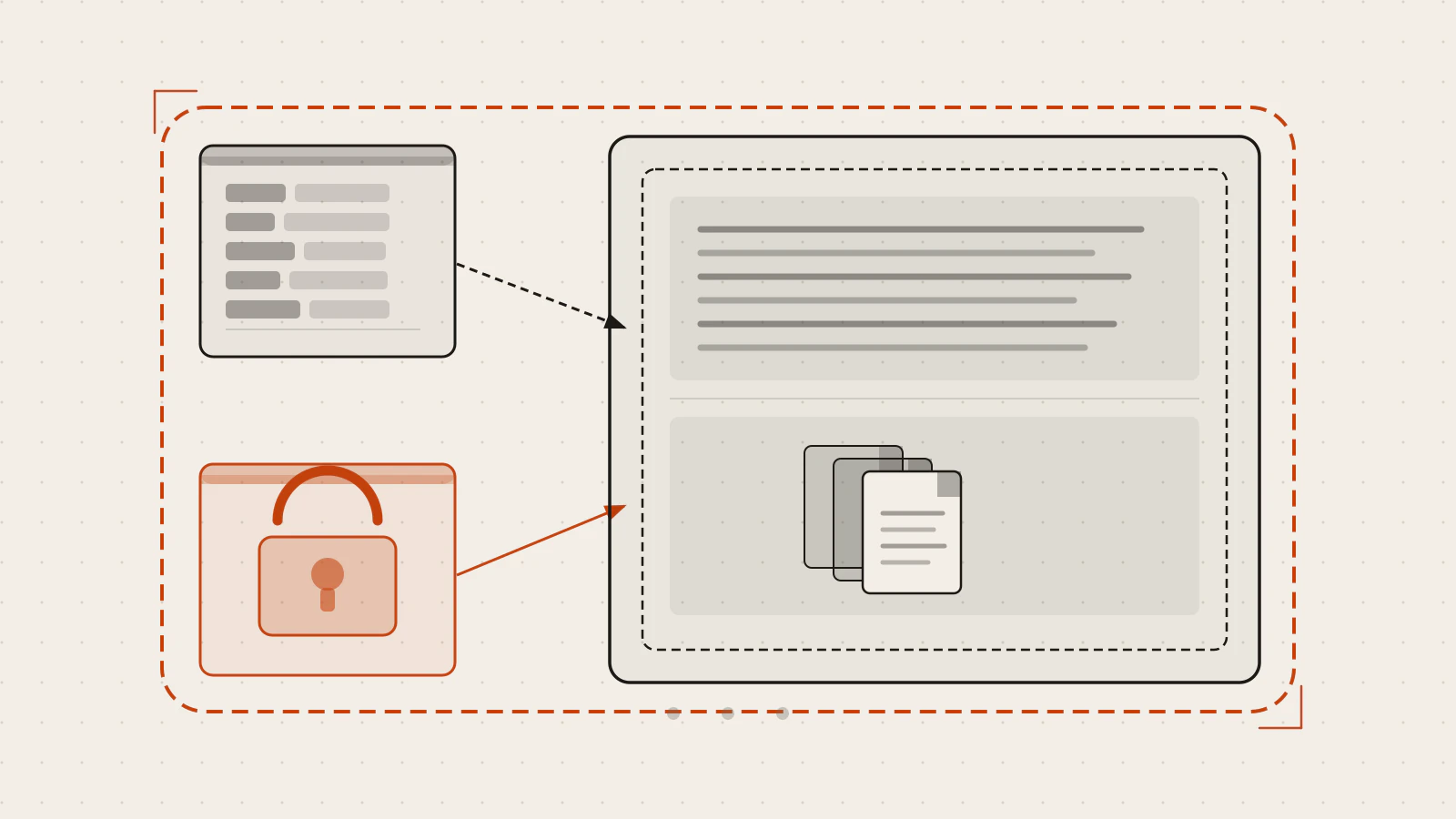
Kubernetes gives you two objects for injecting configuration into containers: ConfigMap and Secret. They look almost identical in a manifest. You create them, reference them in a Deployment, and the values show up inside your Pods.
The problem is that many developers treat Secrets like slightly-fancier ConfigMaps — just the thing you use for passwords. That mental model misses the one fact that matters most: Secrets are stored unencrypted in etcd by default. The base64 encoding in a Secret manifest is not encryption. Anyone with access to the API server or etcd can decode a Secret in seconds. Understanding what Kubernetes actually guarantees — and what it does not — changes how you think about configuration security from the start.
I’m going to walk through both objects, show you exactly how to expose them to containers, and cover the failure modes that catch teams off guard. If you haven’t worked with the basic building blocks yet, Kubernetes Basics: Pods, Deployments, and Services is the right starting point.
Series: Part 2 of 2. Start with Part 1: Kubernetes Basics: Pods, Deployments, and Services
On this page
- ConfigMaps: decoupling config from your image
- Secrets: base64 is not encryption
- Two ways to expose them to a container
- Referencing ConfigMaps and Secrets in a Deployment
- What breaks and why
- The Sealed Secrets pattern for GitOps
- Treat the Secret object as a boundary, not a vault
ConfigMaps: decoupling config from your image
The twelve-factor app methodology says configuration should live in the environment, not in the code. ConfigMaps are Kubernetes’s way of honouring that principle. You store non-confidential configuration data — feature flags, log levels, API endpoints, server settings — in a ConfigMap, and your Pods read it at runtime.
Here’s a ConfigMap with a few typical entries:
apiVersion: v1
kind: ConfigMap
metadata:
  name: app-config
data:
  LOG_LEVEL: "info"
  API_BASE_URL: "https://api.internal.example"
  MAX_CONNECTIONS: "50"
The data field holds plain UTF-8 key-value pairs. Keys must be alphanumeric or use -, _, or .. There’s a hard 1 MiB limit per ConfigMap — it’s designed for configuration fragments, not large files.
One thing worth knowing: starting with Kubernetes v1.21, you can mark a ConfigMap as immutable by setting immutable: true. Once set, the data cannot change — you’d need to delete and recreate it. For clusters using tens of thousands of ConfigMap mounts, this also reduces load on the API server since the kubelet stops watching immutable objects for changes.
Secrets: base64 is not encryption
Here’s the thing that catches teams off guard. You create a Secret like this:
apiVersion: v1
kind: Secret
metadata:
  name: db-credentials
type: Opaque
data:
  username: YWRtaW4=
  password: cGFzc3dvcmQxMjM=
Those values look scrambled. They are not. YWRtaW4= is just admin in base64. Run echo 'YWRtaW4=' | base64 --decode and you’ll see it immediately. Base64 is encoding, not encryption — it exists so binary data can travel safely over text-based systems, not to hide data.
The Kubernetes documentation is explicit: “Kubernetes Secrets are, by default, stored unencrypted in the API server’s underlying data store (etcd). Anyone with API access can retrieve or modify a Secret.”
What the Secret object actually gives you is scoping, not security. Kubernetes only sends a Secret to a node when a Pod on that node needs it. The kubelet stores Secret data in tmpfs (an in-memory filesystem) so it never hits persistent storage on the node. When the Pod is deleted, the local copy is deleted too. These are meaningful protections against accidental exposure — but they’re not a substitute for real encryption.
If you want actual security, you need two things on top of the Secret API:
- Encryption at rest — Kubernetes supports encrypting Secret data before it’s written to etcd. Managed clusters often enable this by default; self-managed clusters require explicit setup.
- RBAC — Granting
listorwatchon Secrets lets a service account read all Secrets in that namespace. Keep access as narrow as possible.
Use stringData instead of data when writing a manifest and you don’t want to manually base64-encode values. Kubernetes handles the encoding for you. The underlying storage is still base64 — it’s a write-time convenience, not a different format.
Try this
- Create the Secret above with
kubectl apply -f secret.yaml- Run
kubectl get secret db-credentials -o jsonpath='{.data.username}' | base64 --decode- You should see the plain-text value.
Expected result: The terminal prints the decoded value. This confirms that base64 encoding provides no protection to someone with kubectl access.
Two ways to expose them to a container
Once a ConfigMap or Secret exists, you have two fundamentally different ways to give a container access to it. The choice affects how your app reads the values and what happens when the data changes.
Method 1: Environment variables
This is the simpler option. Values land in the container’s environment at startup.
spec:
  containers:
  - name: api
    image: my-api:1.2.0
    env:
    - name: LOG_LEVEL
      valueFrom:
        configMapKeyRef:
          name: app-config
          key: LOG_LEVEL
    - name: DB_PASSWORD
      valueFrom:
        secretKeyRef:
          name: db-credentials
          key: password
Or, if you want every key from a ConfigMap loaded at once without listing them individually, use envFrom:
envFrom:
- configMapRef:
    name: app-config
- secretRef:
    name: db-credentials
The trade-off: environment variables are frozen at Pod start. If you update the ConfigMap or Secret, the running containers don’t see the change. You need to restart the Pods — rolling restart or re-deployment — to pick up new values.
Method 2: Volume mounts
Here the ConfigMap or Secret is mounted as a directory inside the container. Each key becomes a file, and the file’s contents are the value.
spec:
  containers:
  - name: api
    image: my-api:1.2.0
    volumeMounts:
    - name: config-volume
      mountPath: "/etc/config"
      readOnly: true
    - name: secret-volume
      mountPath: "/etc/secrets"
      readOnly: true
  volumes:
  - name: config-volume
    configMap:
      name: app-config
  - name: secret-volume
    secret:
      secretName: db-credentials
After this, /etc/config/LOG_LEVEL contains info, and /etc/secrets/password contains the decoded password value.
The key advantage: volume-mounted values update automatically. When you update the source object, the kubelet propagates the change to running Pods — typically within the kubelet sync period. You don’t need to restart Pods, but the application must re-read the file to see the update. One documented exception: a container using a subPath volume mount does not receive automatic updates.
Check this before moving on
- Environment variables are static after Pod startup — a change to the ConfigMap or Secret requires restarting the Pod to take effect
- Volume-mounted values update automatically, but only when the application re-reads the file
- Volume mounts with
subPathdo not receive updates automatically, regardless of the method
Referencing ConfigMaps and Secrets in a Deployment
Putting it together in a real Deployment. This one uses both methods to show the pattern:
apiVersion: apps/v1
kind: Deployment
metadata:
  name: api-deployment
spec:
  replicas: 2
  selector:
    matchLabels:
      app: api
  template:
    metadata:
      labels:
        app: api
    spec:
      containers:
      - name: api
        image: my-api:1.2.0
        env:
        - name: LOG_LEVEL
          valueFrom:
            configMapKeyRef:
              name: app-config
              key: LOG_LEVEL
        - name: DB_PASSWORD
          valueFrom:
            secretKeyRef:
              name: db-credentials
              key: password
        volumeMounts:
        - name: app-config-volume
          mountPath: "/etc/config"
          readOnly: true
      volumes:
      - name: app-config-volume
        configMap:
          name: app-config
The Secret is accessed via an env var here. The ConfigMap is also mounted as a volume — which gives the app a way to react to config changes without a redeploy, if it reads the files dynamically.
One important rule: the ConfigMap or Secret must exist before you apply the Deployment. If the referenced object is missing, the Pod fails to start. Apply your ConfigMaps and Secrets first.
What breaks and why
Missing reference errors at startup. The most common mistake: referencing a ConfigMap or Secret that doesn’t exist yet. The Pod will report something like configmaps "app-config" not found or secrets "db-credentials" not found in the Events. Apply your ConfigMaps and Secrets before applying the Deployment.
Key name mismatch. If configMapKeyRef.key doesn’t match an actual key in the ConfigMap’s data, the container won’t start. Kubernetes reports a MountVolumeSetUp failed error. Check the exact key names with kubectl describe configmap <name>.
envFrom skips invalid key names silently. Keys that don’t meet environment variable naming rules (alphanumeric and _ only) are skipped without error. The Pod starts, but those keys are absent. If your ConfigMap uses dots or dashes (api.timeout, cache-ttl), they won’t appear in the environment. Use env.valueFrom with correctly named keys instead.
Secret changes don’t restart Pods automatically. This is the update behaviour that surprises people coming from plain Docker. If you rotate a database password in a Secret, the running containers still hold the old value in their environment. You need to trigger a rollout:
kubectl rollout restart deployment/api-deploymentVolume mounts update eventually, but only if the application re-reads the files. If your app reads configuration once at startup and caches it, it won’t see the update regardless of how the Secret is mounted.
| Symptom | Likely cause | What to check |
|---|---|---|
Pod stuck in Pending or fails to start |
Referenced ConfigMap or Secret missing | kubectl describe pod <name> events |
| Environment variable missing from container | Key name invalid for env var naming rules | Use env.valueFrom instead of envFrom |
| App using stale Secret value after rotation | Env var frozen at Pod start | Trigger kubectl rollout restart |
| Volume file not updating | App reads config only at startup | Application-level file watching needed |
The Sealed Secrets pattern for GitOps
Here’s the real problem: you can’t safely commit a raw Secret manifest to git. The base64 values are trivially decodable, so anyone with access to your repository — or your git history — can read the credentials.
The Sealed Secrets controller solves this. You encrypt a Secret manifest using the cluster’s public key before committing. What goes to git is a SealedSecret object that only the cluster’s private key can decrypt. The controller watches for SealedSecret objects and materialises the real Secret inside the cluster. The private key never leaves the cluster.
The workflow:
- Install the controller in your cluster
- Install the
kubesealCLI locally - Encrypt:
kubeseal --format yaml < secret.yaml > sealedsecret.yaml - Commit
sealedsecret.yaml— it’s safe in git - The controller creates the
Secretinside the cluster automatically
The main trade-off: a SealedSecret is tied to the cluster’s key. Migrating to a new cluster means re-sealing everything. Back up the sealing key — losing it means losing the ability to re-seal.
Sealed Secrets is a lightweight starting point. External secret store integration (fetching secrets from a dedicated vault at runtime, avoiding etcd storage entirely) is more robust for high-sensitivity data, but adds operational complexity.
Treat the Secret object as a boundary, not a vault
ConfigMaps and Secrets both inject configuration into containers. The distinction that actually matters is what Kubernetes does differently with Secrets under the hood: it avoids writing them to disk on nodes, restricts which Pods can see which Secrets, and provides the API for encryption at rest that ConfigMaps don’t have. That’s a meaningful boundary — but it’s not a vault.
The practical rule: use ConfigMap for anything you’d be comfortable in a public git repository. Use Secret for everything else, but treat it as a first layer of protection, not the last. Enable encryption at rest, apply tight RBAC, and consider Sealed Secrets or an external store if your threat model requires secrets to be safe even if etcd is compromised.
A useful starting point: find any Deployment in your stack that reads credentials from a hardcoded env var or a .env file baked into the image. If you’ve followed the production Express project structure or the REST API with Node.js and Express guides, you likely have exactly that. ConfigMaps and Secrets are how you move that config out of the image and into the cluster.