Kubernetes Basics: Pods, Deployments, and Services
I explain the three Kubernetes building blocks every developer needs — Pods, Deployments, and Services — and show how they fit together as a practical mental model.
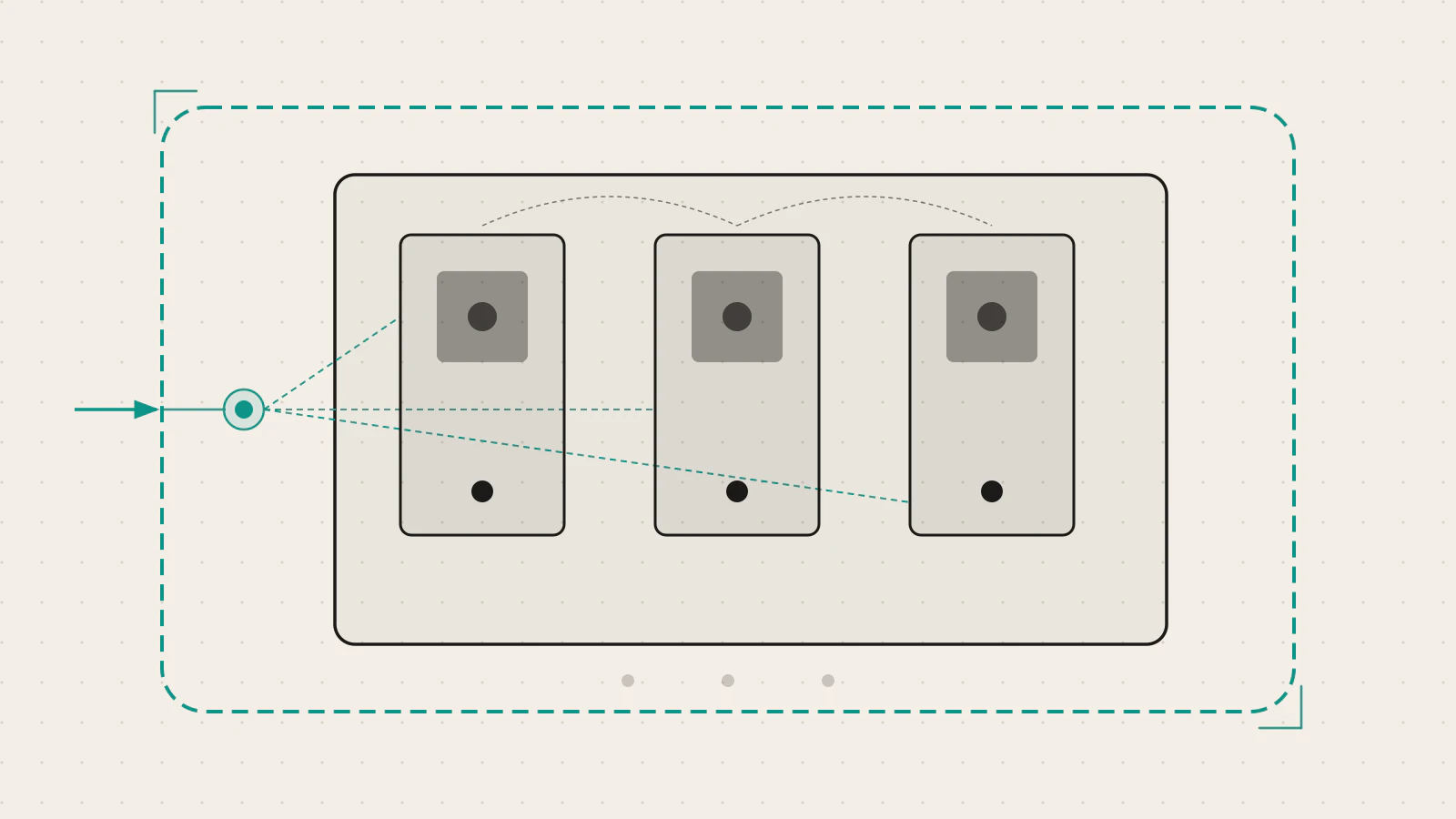
Docker gives you containers. But Docker alone doesn’t restart a container that crashes at 3 AM. It doesn’t split traffic across three identical copies of your app. It doesn’t roll out a new version without downtime.
That’s not a gap in Docker — it’s a different category of problem. Container orchestration. And Kubernetes is the tool that most engineering teams reach for when Docker alone stops being enough.
I’m going to walk through the three concepts that unlock everything else in Kubernetes: Pods, Deployments, and Services. By the end you’ll have a working mental model of how they fit together and which kubectl commands you’ll reach for when something goes wrong.
Series: Part 1 of 2. Part 2 walks through deploying a containerized application to a real Kubernetes cluster.
On this page
- Why Kubernetes instead of plain Docker
- The Pod: the smallest deployable unit
- The Deployment: managing desired state
- The Service: a stable address for ephemeral Pods
- kubectl basics you’ll use every day
- What goes wrong first
- The mental model that sticks
Why Kubernetes instead of plain Docker
If you’ve built a REST API with Node.js and Express or worked through a production Express project structure, you know the gap between getting an application running locally and keeping it reliable under real traffic.
Docker solves one part beautifully: it packages your application and its dependencies into a portable image. Wherever that image runs, it behaves the same way. That’s a genuine win.
But production asks harder questions. What happens when the container crashes? Who restarts it? What if traffic spikes and you need five copies instead of one? How do you update the app while traffic is live? How do services on different machines find each other?
Docker Compose covers some of this for local multi-service setups. For production workloads that need to survive failures and handle scale, you need an orchestrator — a system that schedules containers across a cluster of machines, keeps the right number of them running, routes traffic, and manages updates.
Kubernetes is that orchestrator. The core idea is simple: you describe the desired state, and Kubernetes continuously works to make reality match. If a container crashes, Kubernetes replaces it. If a node goes down, the Pods on that node get rescheduled to healthy nodes automatically.
The Pod: the smallest deployable unit
The Kubernetes documentation defines a Pod as “the smallest deployable unit of computing that you can create and manage in Kubernetes.” In practice, a Pod wraps one or more containers that share storage, network resources, and a specification for how to run them.
Most Pods hold exactly one container. Think of the Pod as a thin envelope around your container — Kubernetes manages the envelope, not the container directly.
Three things to know about Pods before anything else:
- Each Pod gets its own IP address inside the cluster. Containers inside the same Pod share that IP and can talk to each other via
localhost. - Pods are ephemeral. They can be killed and replaced at any time — by a rolling update, a node failure, or resource pressure. Do not expect a specific Pod to run forever.
- You rarely create Pods directly. You use a Deployment to create and manage them for you.
Here’s what a bare Pod manifest looks like:
apiVersion: v1
kind: Pod
metadata:
  name: api-server
spec:
  containers:
  - name: api
    image: my-api:1.0.0
    ports:
    - containerPort: 3000
You can apply this and the Pod will run. But if it crashes, nothing restarts it. That’s the gap a Deployment fills.
The ephemerality trips up most developers new to Kubernetes. If you exec into a Pod, write a file to the container’s filesystem, and the Pod gets replaced, that file is gone. Pods are not permanent homes for data — that’s what Volumes and PersistentVolumes handle.
The Deployment: managing desired state
A Deployment is a controller that keeps a declared number of identical Pods running and handles rolling updates. You tell it “I want three replicas of this image” and it makes that true — and keeps it true, even when Pods crash or nodes fail.
Here’s a Deployment that runs three replicas of an API server:
apiVersion: apps/v1
kind: Deployment
metadata:
  name: api-deployment
spec:
  replicas: 3
  selector:
    matchLabels:
      app: api
  template:
    metadata:
      labels:
        app: api
    spec:
      containers:
      - name: api
        image: my-api:1.0.0
        ports:
        - containerPort: 3000
When you apply this, Kubernetes creates three Pods each running my-api:1.0.0. If one crashes, the Deployment controller creates a replacement immediately. If a node goes down, the Pods are rescheduled to healthy nodes.
Rolling updates are where Deployments earn their keep. Change image: my-api:1.0.0 to image: my-api:1.1.0 in the manifest and run kubectl apply again. Kubernetes will:
- Spin up one new Pod running
1.1.0 - Wait for it to pass its readiness check
- Terminate one old Pod running
1.0.0 - Repeat until all three Pods are on the new version
By default, at most 25% of Pods are unavailable during the update (maxUnavailable) and at most 25% extra Pods exist above the desired count (maxSurge). For a correctly written stateless application, traffic continues throughout.
If the rollout introduces a bug, one command reverts it:
kubectl rollout undo deployment/api-deploymentKubernetes keeps the previous ReplicaSet around, so the rollback is near-instant. You can also roll back to a specific earlier version:
kubectl rollout history deployment/api-deployment
kubectl rollout undo deployment/api-deployment --to-revision=2
Check this before moving on
- The
selector.matchLabelsin the Deployment must exactly match thelabelsin the Pod template — a mismatch creates Pods the Deployment can’t manage - Changing
replicas(scaling) does not create a new rollout revision - Only changes to the Pod template trigger a rolling update — not scaling events
The Service: a stable address for ephemeral Pods
Here’s the problem Pods introduce: because Pods are ephemeral and receive a new IP address every time they’re replaced, you can’t hardcode a Pod’s IP as a connection target. The address you connected to yesterday may not exist today.
A Service is a stable network endpoint that forwards traffic to whichever Pods match a label selector, regardless of how many there are or where they’re currently running. As Pods come and go, the Service automatically updates its endpoint list. From any client’s perspective, the address never changes.
Three Service types come up constantly:
ClusterIP (default) — assigns a stable internal IP, reachable only from within the cluster. Use this for any service that only your own Pods need to reach — a database, a cache, or an internal API.
apiVersion: v1
kind: Service
metadata:
  name: api-service
spec:
  selector:
    app: api
  ports:
  - port: 80
    targetPort: 3000
NodePort — exposes the Service on every node’s IP at a static port (30000–32767 by default). Reachable from outside the cluster. Useful for non-cloud setups or testing, but not the cleanest approach for production traffic.
LoadBalancer — asks the cloud provider to provision an external load balancer and route traffic to the Service. This is the standard way to expose a public-facing service on a managed Kubernetes cluster.
The selector field in the Service is the critical piece. In the example above, selector: app: api means the Service forwards traffic to any Pod with the label app: api. If the label in the Service selector doesn’t match the labels on your Pods exactly, the Service routes to zero backends — with no error message. Traffic simply doesn’t arrive.
kubectl basics you’ll use every day
kubectl is the command-line tool for talking to a Kubernetes cluster. These are the commands that appear in almost every debugging session:
# Apply a manifest — creates or updates the described resource
kubectl apply -f deployment.yaml

# List resources
kubectl get pods
kubectl get deployments
kubectl get services

# Detailed state and event history for a resource
kubectl describe deployment api-deployment

# Stream logs from a Deployment
kubectl logs -f deployment/api-deployment

# Open a shell inside a running Pod
kubectl exec -it <pod-name> -- /bin/sh

# Watch rollout progress
kubectl rollout status deployment/api-deployment
kubectl describe is the command I reach for first when something’s wrong. It shows the full event history for a resource — why a Pod is pending, which condition is failing, what the scheduler decided and when. The Events section at the bottom almost always contains the answer.
kubectl get pods -o wide adds a node column to the output, which is useful when debugging scheduling problems or investigating why certain Pods are grouped together.
What goes wrong first
A few failure modes catch almost everyone when they start with Kubernetes:
ImagePullBackOff — Kubernetes can’t pull the container image. The usual causes are a typo in the image tag, a private registry the cluster hasn’t been given credentials for, or an image that was never pushed. kubectl describe pod <name> shows the exact pull error in the Events section.
CrashLoopBackOff — The Pod starts, the container exits immediately, and Kubernetes keeps restarting it with increasing backoff delays. The container is reaching the runtime but something inside it is failing. kubectl logs <pod-name> --previous shows the logs from the last failed run.
Pod stuck in Pending — No node has enough available resources to schedule the Pod, a nodeSelector points at a label no node has, or a resource quota in the namespace is exceeded. The Events section of kubectl describe pod explains exactly which condition is blocking scheduling.
Service not routing traffic — The selector in the Service doesn’t match the labels on the Pods. One character off, one different case, and the Service sees zero healthy endpoints. Compare spec.selector in the Service manifest to metadata.labels in the Pod template side by side.
| Symptom | Most likely cause | Where to look first |
|---|---|---|
ImagePullBackOff |
Bad image reference or missing auth | kubectl describe pod |
CrashLoopBackOff |
Container exits on start | kubectl logs --previous |
Pod stays Pending |
No schedulable node | kubectl describe pod events |
| Service unreachable | Selector mismatch | Compare Service selector and Pod labels |
The mental model that sticks
Once these three pieces click together, a lot of Kubernetes becomes predictable.
A Pod is one running instance of your application. It wraps a container, lives on a node, has an IP address, and can be replaced at any time.
A Deployment is the mechanism that keeps the right number of Pods alive, coordinates rolling updates, and preserves a rollback path. You change the manifest — the Deployment controller figures out what needs to happen next.
A Service is the stable door. Traffic arrives at the Service’s address and gets distributed across whichever Pods are currently healthy and carry the right labels.
Think of it as roles on a team: the Pod is the worker, the Deployment is the manager who keeps the right number of seats filled and handles transitions, the Service is the receptionist who routes incoming calls to whoever is available right now. When a Pod crashes, the Deployment replaces it. The Service never needs updating — it finds the new Pod automatically through its label selector.
The moment Kubernetes starts to feel intuitive is when you stop thinking about individual containers and start thinking about desired state. You declare what you want. Kubernetes continuously reconciles the real world toward that declaration. That shift in mental model — from imperative steps to declarative intent — is what makes the whole system click.