Server Components vs Client Components in Next.js
I walk through how the 'use client' directive marks a module boundary — not a rendering flag — and give you a practical mental model for composing Server and Client Components in Next.js.
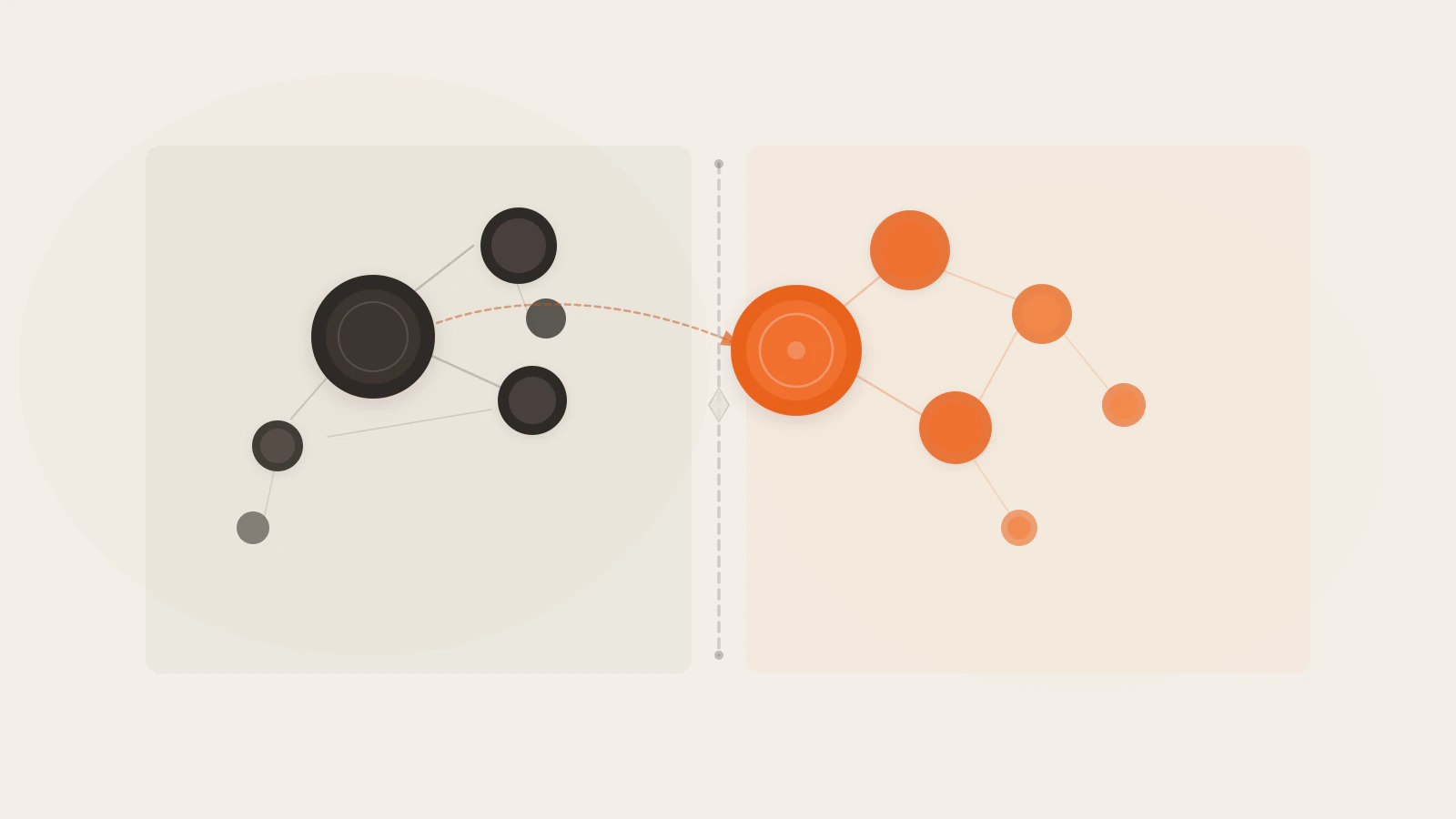
When I first started using the Next.js App Router, 'use client' looked like a simple toggle: this component renders in the browser, that one renders on the server. The name basically says it.
That model is wrong in an important way. And the detail it misses changes how you structure every real application.
'use client' doesn’t mean “render this component in the browser.” It marks a boundary in the module dependency graph — the entry point where the bundler starts packaging JavaScript for the client. Everything that file imports becomes browser code, whether or not those imports actually need to run there.
I’ll walk through how Server and Client Components actually work, show what 'use client' does in practice, and give you a mental model for composing the two that makes structural decisions straightforward.
Series: Part 2 of the Next.js App Router series.
On this page
- Server Components are the default
- What
'use client'actually marks - The rendering lifecycle: RSC Payload and hydration
- How to nest Server Components inside Client Components
- Mistakes that catch most people
- When to use each one
Server Components are the default
In the App Router, every page and layout is a Server Component unless you say otherwise. No directive is required — the absence of 'use client' is what makes something a Server Component.
Server Components run on the server, produce HTML, and never ship as JavaScript to the browser. That last point is what makes them genuinely useful. You can put an API key directly in a fetch call, query a database, or read from the file system, and none of that code ends up in the browser bundle.
// app/posts/page.tsx
export default async function PostsPage() {
  const posts = await fetch('https://api.example.com/posts', {
    headers: { Authorization: process.env.API_SECRET },
  }).then(r => r.json())

  return (
    <ul>
      {posts.map(post => (
        <li key={post.id}>{post.title}</li>
      ))}
    </ul>
  )
}
No 'use client', no extra setup. async/await works here because Server Components aren’t bound by the React hooks lifecycle. If you’ve already worked through React hooks like useEffect and useState, the constraint will feel familiar: those hooks exist specifically to manage browser-side state and side effects. Server Components skip that lifecycle entirely — they run once, produce output, and are done.
You can’t use event handlers (onClick, onChange), hooks, or browser APIs like window or localStorage in a Server Component. If you try, Next.js gives you a build-time error. That constraint is the point. A component with no state and no side effects can be rendered once and cached.
What 'use client' actually marks
The directive doesn’t switch a single component to client rendering. It marks the entry point into the client module graph — the file where the bundler starts including JavaScript in the browser bundle.
'use client'

import { useState } from 'react'
import { formatRelativeTime } from './utils'  // also goes into the browser bundle
import Dropdown from './dropdown'              // also goes into the browser bundle

export default function CommentForm() {
  const [text, setText] = useState('')
  return (
    <textarea onChange={e => setText(e.target.value)} value={text} />
  )
}
Every import inside a 'use client' file is also pulled into the client bundle. formatRelativeTime and Dropdown come along even if they have no reason to run in the browser. This is how you accidentally ship server utilities to the client: you import a shared helper from a marked file without thinking through the bundling consequences.
Two rules keep this manageable:
Push the directive as deep as possible. If only a single button inside a large layout needs useState, extract that button into its own file and add 'use client' there — not at the layout level. Everything above it stays out of the browser bundle.
Guard server code explicitly. The server-only package throws a build-time error if you accidentally import a server module from client code:
import 'server-only'

export async function getConfig() {
  return db.query('SELECT * FROM config')
}
Import this from a client file and the build fails immediately — before anything leaks. This is optional but worth adding to any file that reads secrets or runs database queries.
The rendering lifecycle: RSC Payload and hydration
On first page load, Next.js runs this sequence:
- It renders Server Components on the server and produces the RSC Payload — a compact, serialized representation of the rendered component tree, including placeholders for where Client Components go and references to their JavaScript files.
- It uses the RSC Payload to generate the initial HTML sent to the browser.
- The browser receives HTML (visible immediately) plus the RSC Payload alongside Client Component JavaScript.
- React hydrates the page: it attaches event handlers to the server-rendered HTML, making Client Components interactive.
Hydration is what turns a static-looking page into a working one. The HTML appears after step 2, but button clicks and form inputs don’t work until step 4 completes. On a fast connection this gap is imperceptible. On slower connections with heavy client bundles, it isn’t.
On subsequent navigations — the user clicks a link — no server-rendered HTML is sent. The browser fetches the RSC Payload for the new route, and Client Components re-render entirely in the browser. This is why the size of your client bundle directly affects navigation speed throughout the app, not just the initial load.
Check this before moving on
- Server Components produce the RSC Payload on the server — they don’t ship JavaScript to the browser
- Hydration is the step that attaches event handlers to already-rendered HTML
- On subsequent navigations, only the RSC Payload is fetched — Client Components re-render in the browser
How to nest Server Components inside Client Components
This pattern trips up most people who are new to the App Router. You might want a modal that manages its own open/close state (a Client Component) but shows server-fetched data inside it (a Server Component). The obvious move is to import the Server Component:
// This will error at build time
'use client'

import ServerContent from './server-content' // ❌ can't import a Server Component here

export default function Modal() {
  const [open, setOpen] = useState(false)
  return open ? <ServerContent /> : null
}
This doesn’t work. 'use client' makes everything in Modal’s import tree part of the client bundle, and Server Components can’t live in the client bundle.
The fix is to pass the Server Component as a prop from a parent Server Component instead of importing it directly:
// app/page.tsx — this is a Server Component
import Modal from './modal'
import ServerContent from './server-content'

export default function Page() {
  return (
    <Modal>
      <ServerContent />
    </Modal>
  )
}
// modal.tsx
'use client'
import { useState } from 'react'
export default function Modal({ children }: { children: React.ReactNode }) {
const [open, setOpen] = useState(false)
return (
<div>
<button onClick={() => setOpen(!open)}>Toggle</button>
{open && children}
</div>
)
}Modal never imports ServerContent — it just receives children. The parent Page component (a Server Component) imports and renders ServerContent, then passes the result as a prop. Modal’s module dependency tree has no server code. The render tree shows ServerContent nested inside Modal visually — but that’s different from the module graph.
The boundary is in the module graph, not the component hierarchy. That distinction is the thing worth burning into memory.
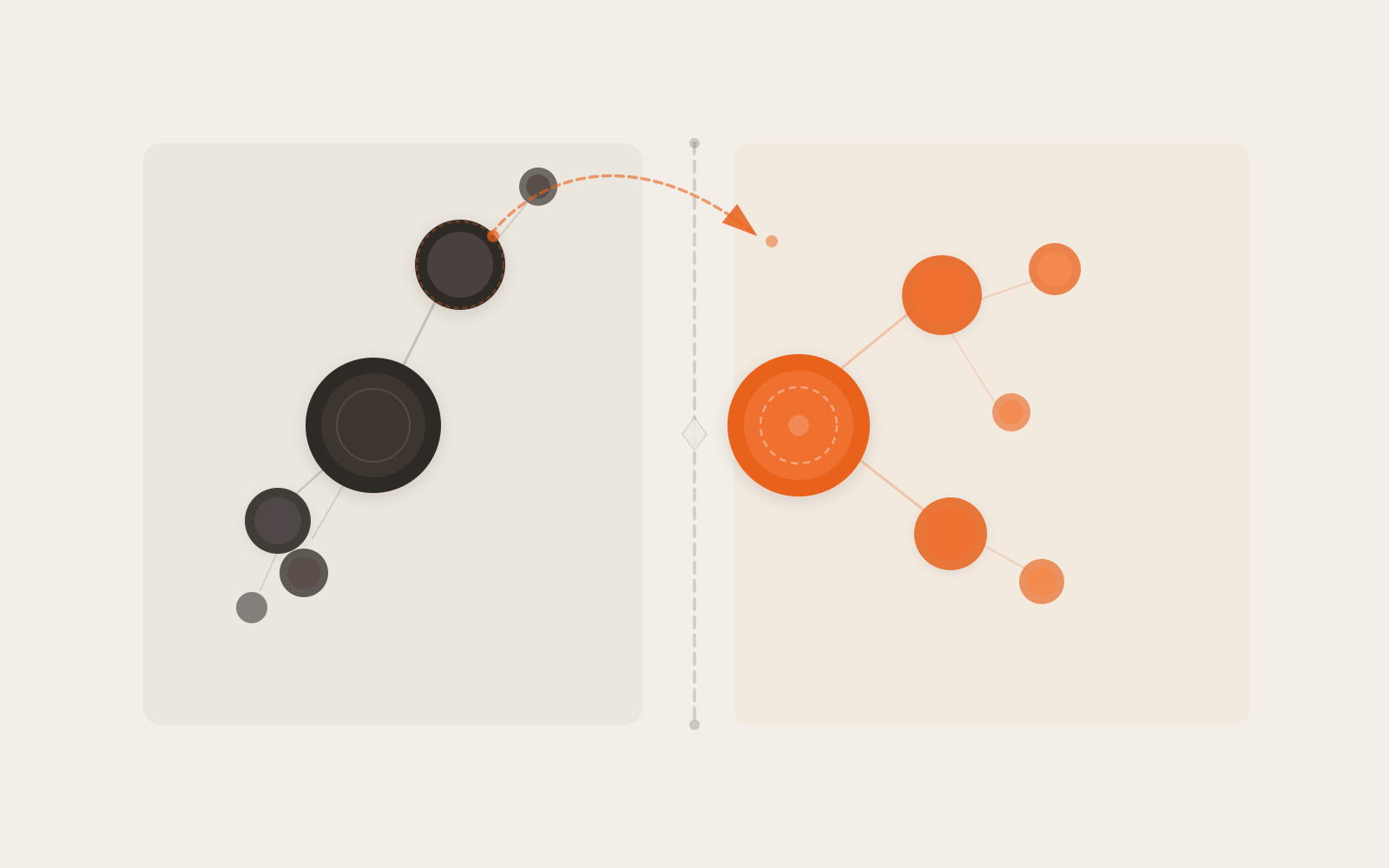
The ‘use client’ directive cuts the module graph into two subgraphs. Everything to the right of the boundary ships to the browser; everything to the left stays on the server.
Mistakes that catch most people
Marking parent components 'use client' too eagerly. A layout that needs one active nav link ends up with 'use client' at the top, pulling the entire layout — and all its imports — into the browser bundle. The fix: extract the <NavLink> into its own file, mark only that file, and leave the layout as a Server Component.
Non-serializable props. Props passed from a Server Component to a Client Component cross an environment boundary — they’re serialized and included in the RSC Payload. You can pass strings, numbers, arrays, and plain objects. You can’t pass functions (unless they’re Server Actions), class instances, or symbols registered only locally. Trying to pass a callback from a Server Component to a Client Component fails at runtime.
Importing third-party components that use hooks without 'use client'. Many older packages use useState, useEffect, or browser APIs internally but don’t include 'use client' in their source. Import one directly into a Server Component and the build fails. The fix is a thin wrapper:
'use client'

export { Carousel } from 'some-ui-library'
Now you can import Carousel from your wrapper in any Server Component without issues.
Using React context in a Server Component. Context providers require 'use client' because they manage state. The standard pattern is a small provider file (a Client Component) that wraps your layout’s children. Render it as deep in the tree as possible — the more components that sit above it, the more that stay server-rendered.
When to use each one
The decision simplifies once you see the pattern:
| Component needs… | Use |
|---|---|
useState or useReducer |
Client Component |
useEffect or useLayoutEffect |
Client Component |
Event handlers (onClick, onChange, etc.) |
Client Component |
Browser APIs (localStorage, window, etc.) |
Client Component |
| Data from a database or external API | Server Component |
| Environment variables or secrets | Server Component |
| Purely presentational — just renders props | Server Component (default) |
The last row is worth internalising. A component that receives data and returns JSX — no state, no browser API, no event handlers — has no reason to be a Client Component. Leave it as the default. It costs nothing in the bundle, and it can cache its output. This applies to a surprising number of components in a typical app.
If you’re unsure, start as a Server Component. Add 'use client' only when you hit a concrete need: a hook, an event handler, a browser API. That’s the direction the framework is designed to push you, and it’s the right default.
Treat 'use client' as a bundle boundary, not a rendering flag
The shift that made everything click for me: Server vs Client is a distinction about which module graph your code belongs to, not about which component appears where in the render tree.
A component can visually live inside a Client Component and still be server-rendered — as long as it’s passed as children or a prop rather than imported directly by the client file. The module dependency tree is what the bundler sees. The render tree is what React sees at runtime. They’re related but not the same, and that gap is where most of the confusion lives.
When you’re writing a new component, ask whether it needs any browser capability. If not, leave it as a Server Component. If yes, add 'use client' to the smallest file that actually needs it, and let the boundary propagate downward from there.