Getting Started with Next.js App Router
I explain how the App Router works in Next.js — file conventions, nested layouts, Server vs Client Components, and what changed from the Pages Router.

The first time you open a Next.js App Router project, the folder structure doesn’t match what you’ve seen before. There’s a page.tsx where you might expect an index.tsx, a layout.tsx sitting right next to it, and a file called loading.tsx that apparently creates skeleton states without any extra wiring. It looks like something proprietary — it’s not. It’s a routing convention built on React Server Components and the file system.
If you’ve worked through the React fundamentals series or used hooks in a real app, you already know how components, props, and state fit together. The App Router builds on that knowledge. It adds file-based routing, server-side rendering by default, and a set of special filenames that handle loading states, error boundaries, and persistent layouts without you wiring them up manually.
This post explains the mental model you need before you write any code.
On this page
- Why the App Router exists
- The file convention at the center of everything
- Four files that replace a lot of boilerplate
- Server Components and Client Components
- A common mistake with the boundary
- Where to go from here
Why the App Router exists
Next.js launched in 2016 with a pages/ directory. Every file you dropped in there became a route. It was simple, and it worked — but it had limits that became visible as apps grew. Layouts had to be assembled in a custom _app.js file, data fetching couldn’t flow naturally through nested layout levels, and there was no clean way to show a loading state for just one section of a page while the rest was interactive.
Next.js 13, released in October 2022, introduced the app/ directory as a beta replacement. The core idea was to rebuild the router around React Server Components and Suspense — features that didn’t exist when the Pages Router was designed. The App Router reached production stability in Next.js 13.4 in May 2023, and has been the recommended starting point ever since.
The shift wasn’t just an API change. With the Pages Router, each page called its own getServerSideProps or getStaticProps. With the App Router, components fetch data themselves, and the router streams the results to the browser as each piece is ready. The page can start rendering and show partial content before all the data has arrived. That’s a fundamentally different architecture, and it’s why the two routers can’t fully share conventions — the app/ directory has its own set of special filenames and its own rules for rendering.
The file convention at the center of everything
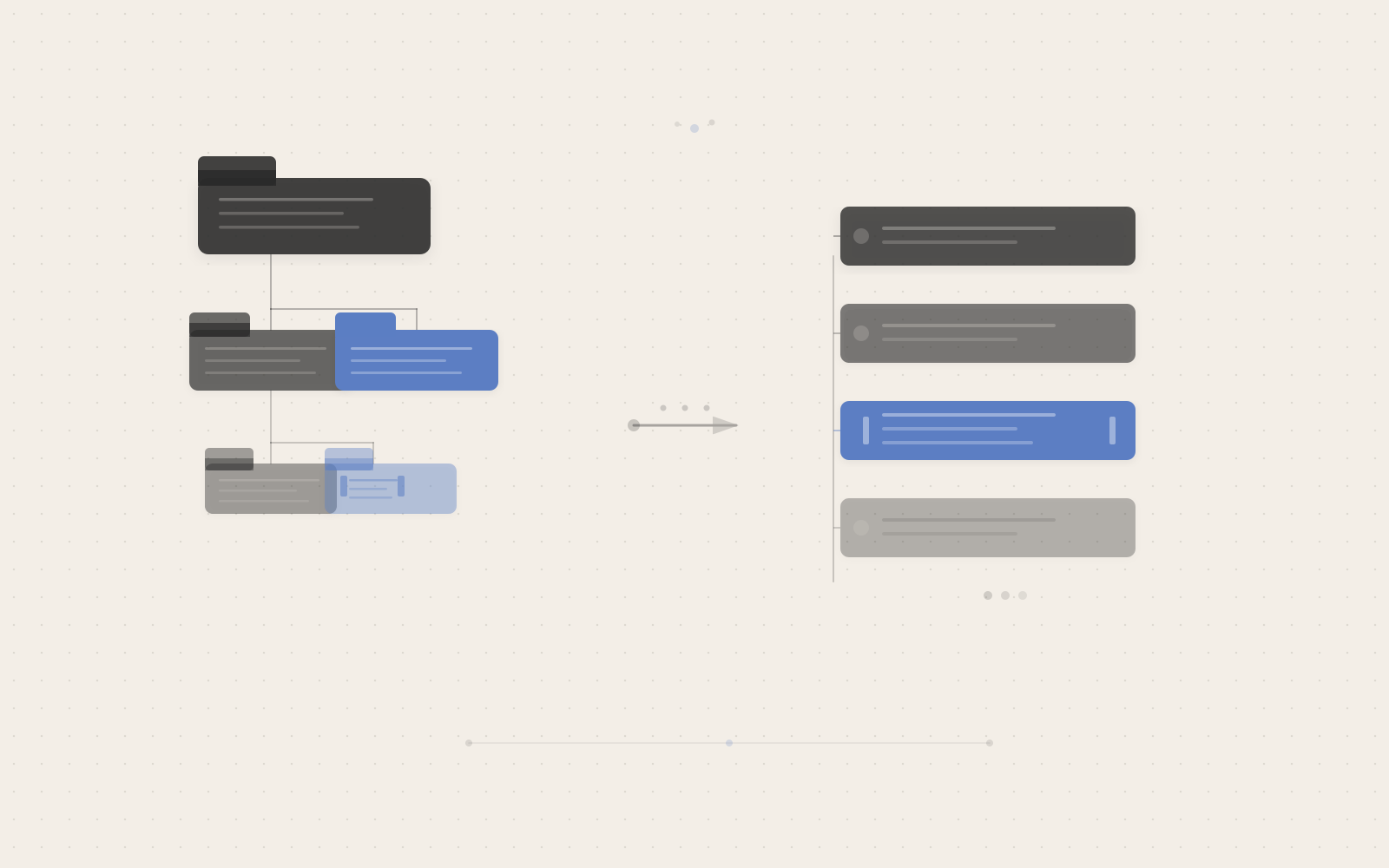
The App Router maps your folder structure to URLs. Every folder inside app/ that contains a page.tsx becomes a publicly accessible route.
app/
├── page.tsx          → /
├── about/
│   └── page.tsx      → /about
└── blog/
    ├── page.tsx      → /blog
    └── [slug]/
        └── page.tsx  → /blog/:slug
A page.tsx does one thing: it exports a default React component that represents the UI for that route. A folder without a page.tsx is not a route — it’s just a folder you can use to store components, utilities, or stylesheets alongside your routes.
Dynamic segments work by wrapping a folder name in square brackets. The [slug] folder captures whatever value appears at that position in the URL, and that value arrives as a params prop on the page component.
// app/blog/[slug]/page.tsx
export default async function BlogPost({
  params,
}: {
  params: Promise<{ slug: string }>
}) {
  const { slug } = await params
  // fetch the post using slug, then render it
}
Four files that replace a lot of boilerplate
Next to page.tsx, the App Router recognises several other special filenames per folder. These four cover almost every case you’ll encounter.
layout.tsx — shared UI that persists across navigations
A layout wraps every page at and below its folder level. Unlike a page, a layout doesn’t re-render when the user navigates between routes inside it — it stays mounted, preserving its scroll position and state. That makes it the right place for navbars, sidebars, and anything that should feel continuous across route changes.
// app/layout.tsx — required in every App Router project
export default function RootLayout({
  children,
}: {
  children: React.ReactNode
}) {
  return (
    <html lang="en">
      <body>{children}</body>
    </html>
  )
}
The root app/layout.tsx is the only file that must include <html> and <body>. You don’t need a separate _document.tsx like in the Pages Router. You can nest layouts deeper in the tree — a dashboard/layout.tsx adds a dashboard-specific sidebar without touching the global root layout.
loading.tsx — instant loading states via Suspense
When you add a loading.tsx to a folder, Next.js automatically wraps the page.tsx in a React Suspense boundary. While the page renders on the server, the loading component appears immediately — no manual Suspense setup, no fallback props to pass.
// app/dashboard/loading.tsx
export default function Loading() {
  return <div>Loading dashboard...</div>
}
This works because the App Router streams server output. It can send the shell of the page (including the loading state) before the data fetch is done, then swap in the real content when it arrives.
error.tsx — per-segment error boundaries
An error.tsx file wraps its route segment in a React error boundary. If anything inside that segment throws, the error component renders as a fallback instead of crashing the whole page. It must be a Client Component because React error boundaries rely on lifecycle methods.
// app/dashboard/error.tsx
'use client'

export default function Error({
  error,
  retry,
}: {
  error: Error & { digest?: string }
  retry: () => void
}) {
  return (
    <div>
      <p>Something went wrong loading the dashboard.</p>
      <button onClick={() => retry()}>Try again</button>
    </div>
  )
}
The retry function tells the boundary to re-fetch and re-render. The error.digest field is a hash you can log to a monitoring service without leaking the raw error to users in production.
not-found.tsx — clean 404 handling
Call notFound() from next/navigation inside any Server Component, and the nearest not-found.tsx in the tree renders. The router returns a proper 404 status. Without this file, Next.js falls back to its built-in 404 page.
Check this before moving on
- You can name the four special filenames:
page,layout,loading,error - You understand why
layout.tsxdoesn’t re-render on navigation - You understand why
error.tsxrequires'use client'
Server Components and Client Components
Here’s the part that catches people off guard: by default, every component in the app/ directory is a Server Component. It runs on the server, its output gets serialized and sent to the browser, and no JavaScript for it lands in the client bundle.
That default is genuinely useful — database queries, API keys, and large dependencies stay on the server. But it means you can’t use useState, useEffect, or any browser-only API in a Server Component, because those only run in a browser context.
To opt a component into the browser, add 'use client' at the top of the file:
// app/ui/counter.tsx
'use client'

import { useState } from 'react'

export default function Counter() {
  const [count, setCount] = useState(0)
  return <button onClick={() => setCount(count + 1)}>{count}</button>
}
That directive creates a boundary between the server and client module graphs. Everything this component imports also runs on the client. Server Components above it in the tree continue to run on the server and pass data down as serializable props.
The practical pattern the official docs describe is to keep page-level components as Server Components (they fetch data) and extract only the interactive pieces into Client Components. The hooks you already know — useState, useEffect, useRef — all still work; they just need to live inside components marked 'use client'.
A common mistake with the boundary
The most common early mistake is marking a layout or a large wrapper component as 'use client' when only a small interactive piece inside it actually needs the browser. Doing that pulls all of the wrapper’s imports into the client bundle, including components that didn’t need to be there.
TypeScript won’t catch this, and the page will still render. You’ll notice the problem in the network tab: the JS bundle is larger than expected, or you get a warning that a Server Component was accidentally included in the client graph.
The fix is composition. Keep the wrapper as a Server Component and pass the interactive piece as children or a prop. Server Component output passed as children to a Client Component doesn’t get imported by that Client Component — it’s passed in as already-rendered output, so it stays on the server.
// Server Component — no directive needed
import Modal from './modal'
import ProductDetails from './product-details'

export default function Page() {
  return (
    <Modal>
      <ProductDetails />  {/* still runs on the server */}
    </Modal>
  )
}
// Client Component
'use client'
import { useState } from 'react'
export default function Modal({ children }: { children: React.ReactNode }) {
const [open, setOpen] = useState(false)
return open
? <div>{children}</div>
: <button onClick={() => setOpen(true)}>Open</button>
}ProductDetails isn’t imported by Modal, so it doesn’t enter the client bundle. The 'use client' boundary only captures what Modal directly imports. This is the pattern to reach for whenever you want to use browser state without sacrificing server rendering for the surrounding content — and it pairs naturally with the component composition principles you’d apply in any React app.
Where to go from here
The App Router’s file conventions handle a lot of work automatically: routing, persistent layouts, loading states, and error recovery — all through filenames and folder structure. The biggest mental shift from standard React is the Server/Client boundary. Once that model clicks, the rest of the API follows from it.
The practical next step is to create a project and try the layout nesting yourself:
npx create-next-app@latest my-app --typescript --app
cd my-app
npx next dev
Add a dashboard/ folder with its own layout.tsx, loading.tsx, and page.tsx. Navigate between routes inside the dashboard and notice how the layout stays mounted while only the page content changes. That’s the part that takes a few minutes to see but makes the whole architecture make sense.
One limitation worth noting: the App Router requires a server runtime for streaming and Server Component features. Full static exports have limited support compared to the Pages Router. Check the official docs on deployment options if you’re targeting a static host or CDN that doesn’t support a Node.js server.