Managing Secrets and Environment Variables Safely
I walk through how to keep secrets out of git, wire them securely into CI/CD pipelines, and know when a dedicated secrets manager is worth the complexity.
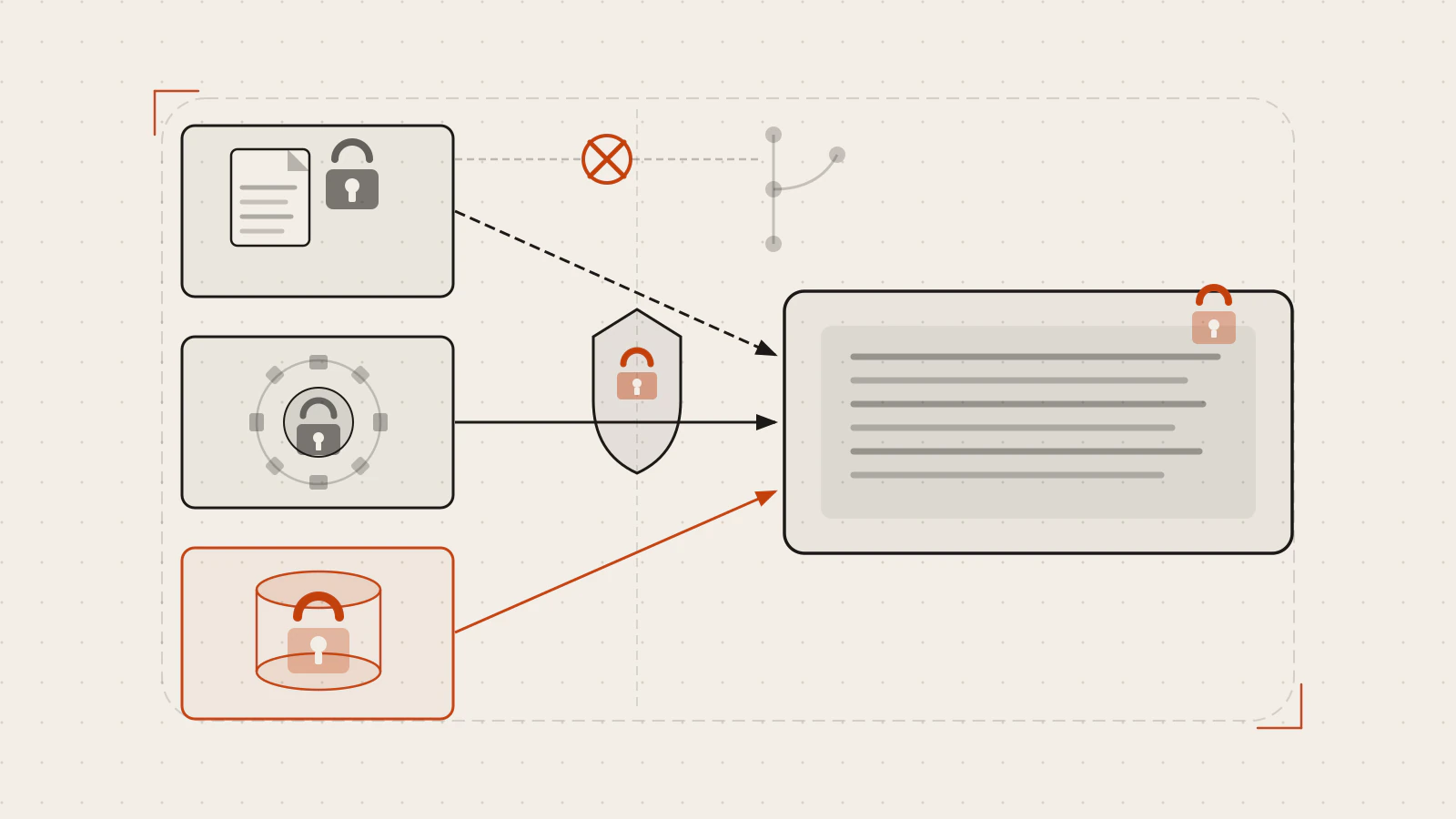
Every developer knows not to put passwords in code. And yet, credentials end up in git history all the time — an API key committed during a weekend sprint, a database URL left in a config file, a token copy-pasted into a test fixture. It’s not carelessness. It’s the gap between knowing the rule and having a system that makes the rule hard to break.
This post closes that gap. I’ll walk through the full approach: why config belongs in the environment rather than the code, how to keep secrets out of git in the first place, how to wire them through a CI/CD pipeline, and when a dedicated secrets manager is worth the overhead.
Quick answer: Put secrets in environment variables, never in committed files. Use
.gitignoreto block.envfrom version control, commit.env.examplewith placeholder values instead, store pipeline credentials as encrypted repository or environment secrets in your CI system, and reach for a managed secrets service when you need audit trails, automatic rotation, or fine-grained access control.
On this page
- Config belongs in the environment, not the code
- The first layer: keeping secrets out of git
- The .env.example pattern
- Secrets in a CI/CD pipeline
- When a secrets manager makes sense
- Rotating secrets without breaking things
- What goes wrong and how to recover
Config belongs in the environment, not the code
The twelve-factor app methodology has a sharp definition of config: anything that varies between deploys. That means database connection strings, third-party API credentials, feature flag values, and canonical hostnames — but not routing rules or how modules connect, which are the same in every environment and belong in the code.
The litmus test it proposes is worth keeping in mind: could this codebase be made public right now, without compromising any credentials? If the answer is no, the config is in the wrong place.
Environment variables are the recommended solution. They’re easy to change between deploys without touching code, they’re language and OS agnostic, and unlike config files they’re difficult to accidentally commit. Each variable is independent — there’s no staging or production group that causes a combinatorial explosion of environment names as the project grows.
In a Node.js project, you read them through process.env:
const dbUrl = process.env.DATABASE_URL;
const port = Number(process.env.PORT ?? 3000);
Locally, a .env file loaded by a library like dotenv (or natively in newer Node versions with --env-file) populates those values. In production, the host or container runtime injects them directly. The application code doesn’t know or care which source provided the value.
The first layer: keeping secrets out of git
The most common path for secrets into git is a .env file that slips past review. Two tools stop that from happening.
.gitignore is the first and most important. Add .env and any other secret-carrying files before the first commit:
# .gitignore
.env
.env.local
.env.*.local
*.pem
*.key
One important edge case: if you track a file and then add it to .gitignore, git continues tracking it. You need to untrack it explicitly:
git rm --cached .envAfter that, git status will show .env as untracked, and it won’t appear in diffs or commits.
detect-secrets goes further. It scans staged files for secret-looking strings — high-entropy tokens, AWS key patterns, private key headers — before a commit lands. Set it up as a pre-commit hook using the pre-commit framework:
# .pre-commit-config.yaml
repos:
  - repo: https://github.com/Yelp/detect-secrets
    rev: v1.5.0
    hooks:
      - id: detect-secrets
        args: ['--baseline', '.secrets.baseline']
        exclude: package-lock.json
The first time you run it, generate a baseline of any known false positives already in the repository:
detect-secrets scan > .secrets.baselineFrom that point, the hook runs on every git commit. If a new secret appears in staged files, the commit is blocked. If something is a genuine false positive, you mark it in the baseline rather than bypassing the scanner.
Check this before moving on
-
.envand similar files appear in.gitignorebefore any secrets are written to them - Any previously tracked secret files are untracked with
git rm --cached - A pre-commit scanner is in place so a forgotten secret doesn’t pass through review
The .env.example pattern
The downside of blocking .env from git is that new team members don’t know which variables the application needs. The .env.example file solves that.
It lives in version control and documents every variable the app requires, but with placeholder values instead of real ones:
# .env.example
DATABASE_URL=postgres://user:password@localhost:5432/mydb
REDIS_URL=redis://localhost:6379
API_SECRET_KEY=your-secret-key-here
STRIPE_WEBHOOK_SECRET=whsec_your-webhook-secret
PORT=3000
When someone sets up the project locally, they copy the file and fill in the real values:
cp .env.example .env
# then edit .env with the actual values
The real values get shared through a secure channel — a password manager, an internal secrets store, a one-time paste link. Never in Slack messages, email threads, or pull request comments.
One failure mode worth naming: teams sometimes add real credentials to .env.example out of convenience. That immediately defeats the purpose. Keep .env.example as documentation, never as a working config file.
Secrets in a CI/CD pipeline
When your pipeline needs to build, test, or deploy — it often needs credentials too. A deploy step needs access to the server. A test suite might need a database connection. You can’t use a local .env file in a CI runner.
CI systems solve this with encrypted secret stores. In GitHub Actions, secrets are stored at the repository level (available to all workflows) or at the environment level (available only to deployments targeting a specific environment, like production or staging). The difference matters: environment-scoped secrets give you an approval gate before production credentials are ever used.
Add a secret through the repository settings, or with the GitHub CLI:
gh secret set DATABASE_URL
# the CLI prompts for the value without echoing it
Reference it in a workflow with the secrets context:
jobs:
  deploy:
    runs-on: ubuntu-latest
    environment: production
    steps:
      - uses: actions/checkout@v6
      - name: Deploy
        env:
          DATABASE_URL: ${{ secrets.DATABASE_URL }}
          API_SECRET_KEY: ${{ secrets.API_SECRET_KEY }}
        run: ./scripts/deploy.sh
A few things worth knowing from the GitHub Actions documentation:
- Secrets are masked in logs — if they appear in output, GitHub replaces them with
***. But GitHub can only mask exact string matches, so avoid passing secrets directly on a command line where the shell might expand them differently. - Secrets are not passed to workflows triggered by fork pull requests. This is intentional — a fork could print them to logs or exfiltrate them.
- If you need to conditionally check whether a secret is set, assign it to an env var first. You can’t reference
secrets.*directly in anif:expression.
If your pipeline targets multiple environments, separate the secrets. Production database credentials shouldn’t be accessible from a test run. The environment protection rules in GitHub Actions let you require a reviewer approval before a job that uses production secrets can run.
When a secrets manager makes sense
Environment variables work well for most applications. But there are situations where they fall short.
AWS Secrets Manager is a managed service that stores secrets, controls access via IAM, logs every retrieval via CloudTrail, and handles automatic rotation. Your application calls the Secrets Manager API at runtime to fetch the credential — the secret never sits in the environment at all.
The practical advantage over environment variables: rotation. When a database password rotates, Secrets Manager can update the stored secret and trigger a Lambda function that updates the database side simultaneously. The application fetches the current secret on each connection rather than reading a value that was baked in at startup. Stale credentials become less of a problem.
HashiCorp Vault covers similar ground as a self-hosted option. It adds dynamic secrets (credentials generated on demand with a short TTL), more granular access policies, and support for multiple auth methods. The trade-off is operational overhead — you’re responsible for running, scaling, and backing up the Vault cluster.
The rough decision rule:
| Your situation | What to use |
|---|---|
| Personal project or small team | .env + .env.example + CI secrets |
| Multiple environments, several services | CI environment secrets with approval gates |
| Compliance requirements, audit trail needed | Managed secrets service |
| Credentials for databases or cloud APIs at scale | Managed secrets service with automatic rotation |
| Need credentials to expire automatically | Vault dynamic secrets or managed rotation |
Don’t add a secrets manager before you need one. It’s genuine infrastructure to operate, and the complexity cost is real. Most teams reach for it when they need audit logs, rotation, or when the number of services accessing a secret makes environment variables hard to coordinate.
Rotating secrets without breaking things
Rotation is the practice of replacing a credential on a regular schedule, or immediately after a suspected compromise. The reason: a leaked secret is only useful while it’s valid. Regular rotation limits the window of exposure.
The mechanics of manual rotation:
- Generate the new credential on the provider side (new database password, new API key)
- Update the secret in your secrets store (Secrets Manager, CI secrets,
.envon each server) - Restart or redeploy the services that read the secret at startup
- Verify the application works with the new credential
- Revoke the old credential
The tricky part is the transition window. If you update the secret before restarting services, the running application still holds the old value and may fail. If you revoke the old credential before services restart, requests fail during the rollout.
The standard approach for zero-downtime rotation is to keep both the old and new credentials valid during the transition. AWS Secrets Manager’s built-in rotation follows this pattern: the Lambda function first creates the new secret, then updates the application configuration, and only revokes the old one after confirming the new one works.
For a service where you’re doing this manually, a safe sequence is:
- Create the new credential (old remains active)
- Deploy the application with the new credential
- Confirm traffic is healthy on the new credential
- Revoke the old credential
What goes wrong and how to recover
A secret lands in git history. The most painful scenario. Deleting the file in a new commit doesn’t help — the secret is still in the history and visible to anyone who clones the repository. The fix is to rotate the credential immediately, then scrub the history with a tool like git-filter-repo. If the repository is public, assume the secret is compromised regardless of how quickly you act.
.env.example contains real values. This happens gradually — someone adds a “working” example to make onboarding easier. Audit the file periodically. detect-secrets scan .env.example will flag high-entropy strings.
Secrets leak through CI logs. A script accidentally prints an environment variable, or a test framework logs request headers. CI masking only catches exact matches, so partial or transformed values may still appear. Keep secret values out of any code path that writes to standard output.
Old secrets linger after rotation. Environment variables are set at process startup. If you rotate a secret but don’t restart the service, the process holds the old value indefinitely. Track rotation with a deployment record, and confirm which processes have restarted.
| Problem | Recovery action |
|---|---|
| Secret committed to git | Rotate immediately, then scrub history |
.env tracked by git |
git rm --cached .env, add to .gitignore, rotate if already pushed |
| Leaked in CI logs | Rotate, review log retention, check if logs were public |
| Service using stale rotated credential | Restart or redeploy the affected service |
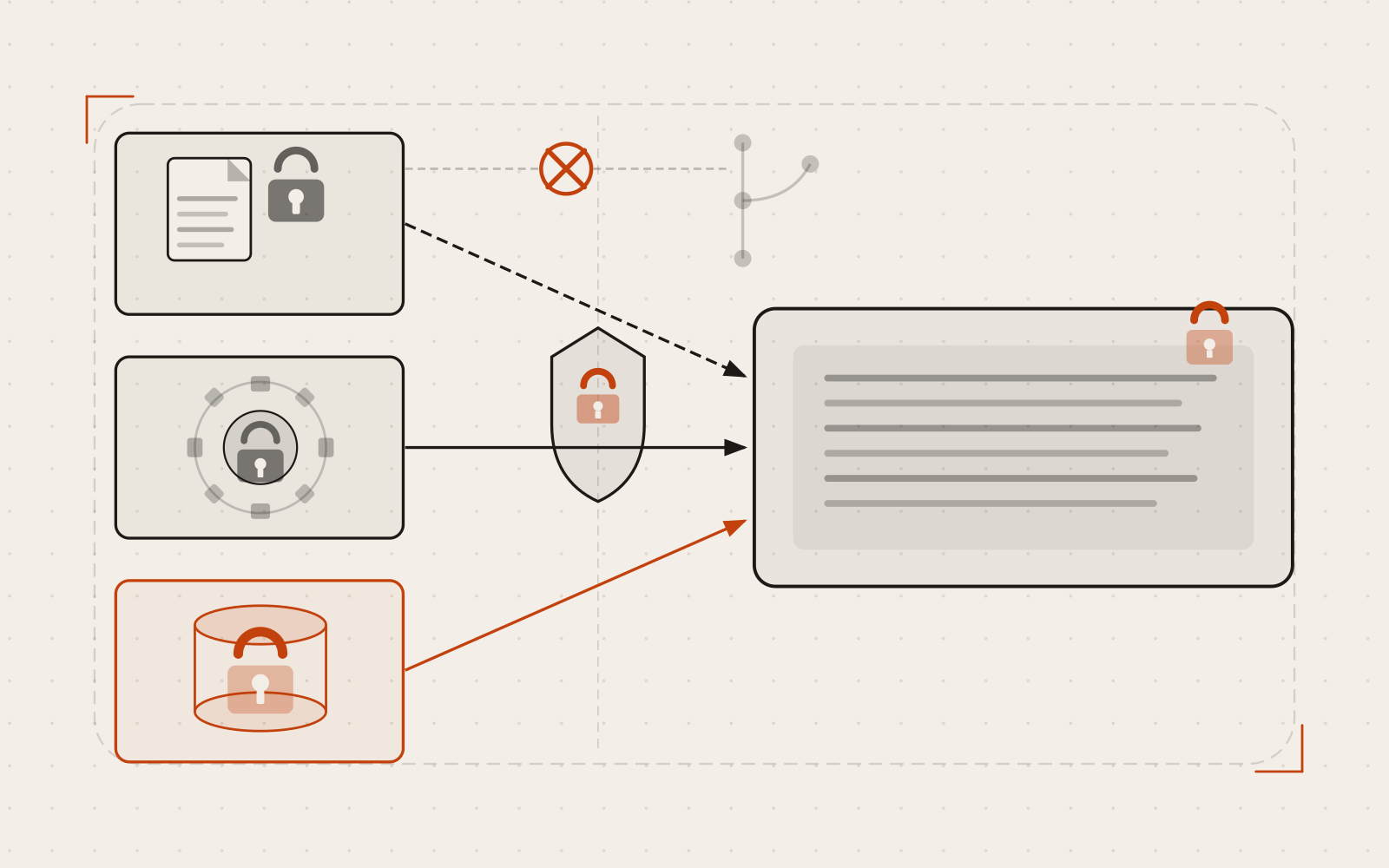
Secrets should flow through secure channels into the running application. The version control repository is not one of those channels.
The underlying principle is the same whether you’re using a .env file or a managed vault: credentials belong in the environment, not the codebase. The tools change as the scale and risk profile grow. The rule doesn’t.
A useful next step: open your current project’s .gitignore and check whether .env and any credentials files are listed. If your CI system has secrets, verify they’re scoped to the environment they need, not available globally. That’s a five-minute check that catches the most common failure modes.
If you’re running a containerised application and want to see how this pattern extends to an orchestrator, ConfigMaps, Secrets, and Environment Configuration in Kubernetes covers the same concepts at the cluster level.
Sources
- The Twelve-Factor App: Config — Adam Wiggins
- Using secrets in GitHub Actions — GitHub Documentation
- detect-secrets: an enterprise-friendly secret scanner — Yelp/detect-secrets on GitHub
- What is AWS Secrets Manager? — AWS Documentation
- ConfigMaps, Secrets, and Environment Configuration in Kubernetes — soumitrasaha.com